Make a portfolio website in an afternoon — designer, photographer, developer, writer
Last updated: 2026-11-12
Contents · 7
- 1. Pick a template from the group that matches your work
- 2. Check three things on the first screen, then start
- 3. Choose and order your projects, then swap in your text and photos
- 4. Copy ten portfolio requests into the AI tab
- 5. Finish contact, your address and sharing, then click “Publish”
- Frequently asked questions
- Read next
Short version — a first portfolio is enough with six best projects, three sentences about you, and a way to contact you. Pick the portfolio template for your kind of work in the MakeLayer gallery, swap in your projects and words, click “Publish”, and you have your own address in an afternoon. All of that works on the free plan.
At a glance
- Time needed
- About 30 min
- Plan required
- Free plan
- Coding knowledge
- None
- Where to do it
- Template gallery
Step by step
- 1
Pick a template from the group that matches your work
The /templates gallery opens without logging in. Photographers, designers, illustrators, architects, developers and composers will find templates for each kind of work under “Portfolio”; for a writer or a CV-style page look under “Profile & Links”, and for freelance copywriters, translators or web developers taking on clients, “Freelance”. Every template is free to use.
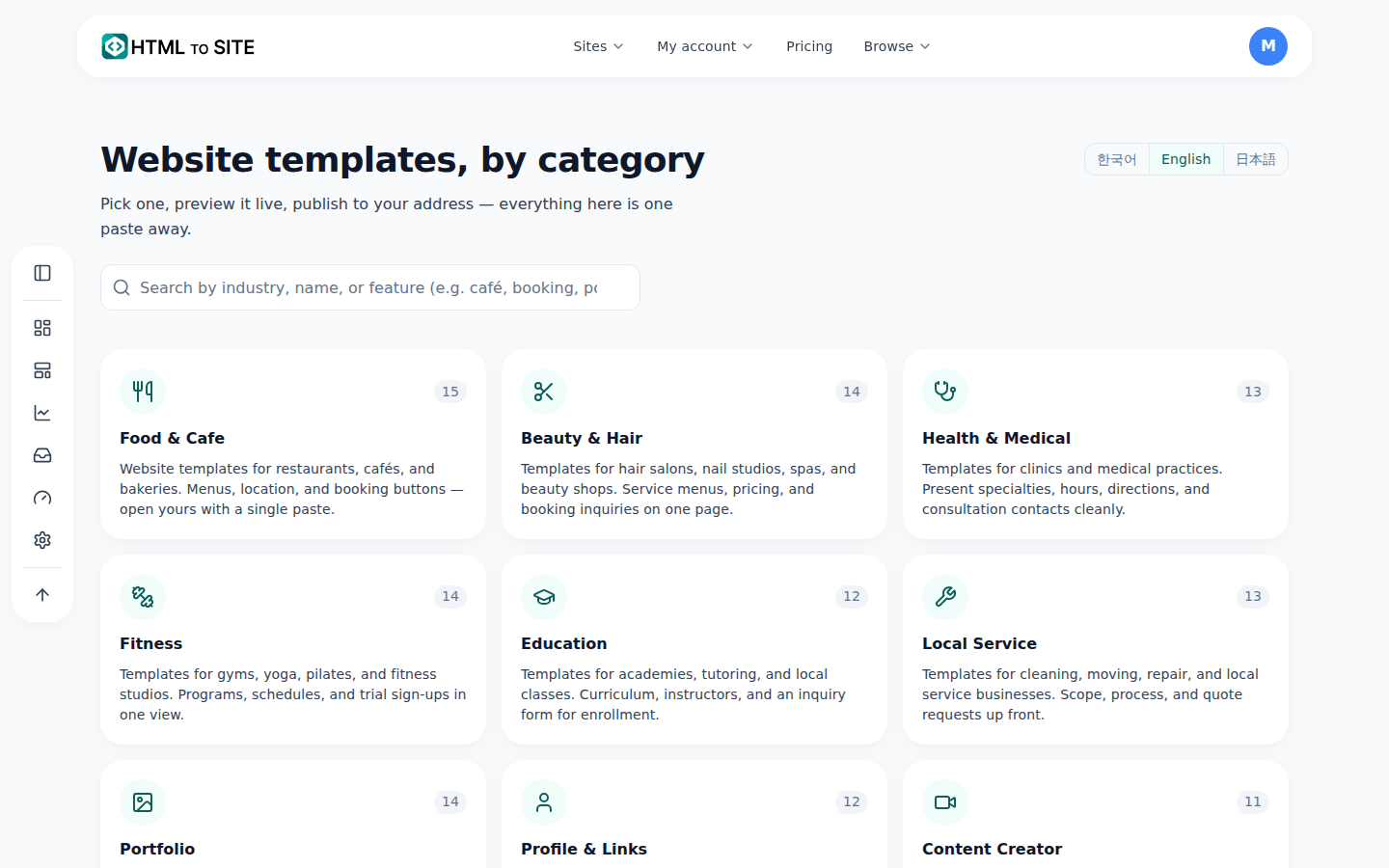
Open the closest of “Portfolio”, “Profile & Links” and “Freelance” first. - 2
Check three things on the first screen, then start
A portfolio's first screen should show your name with one line on what you do, your best project, and a way to contact you. Check the preview for all three, and use the Mobile button to see that the work still looks big on a phone. When you like one, click “Start a site with this template” and enter your name — the editor opens with a draft nobody can see yet.
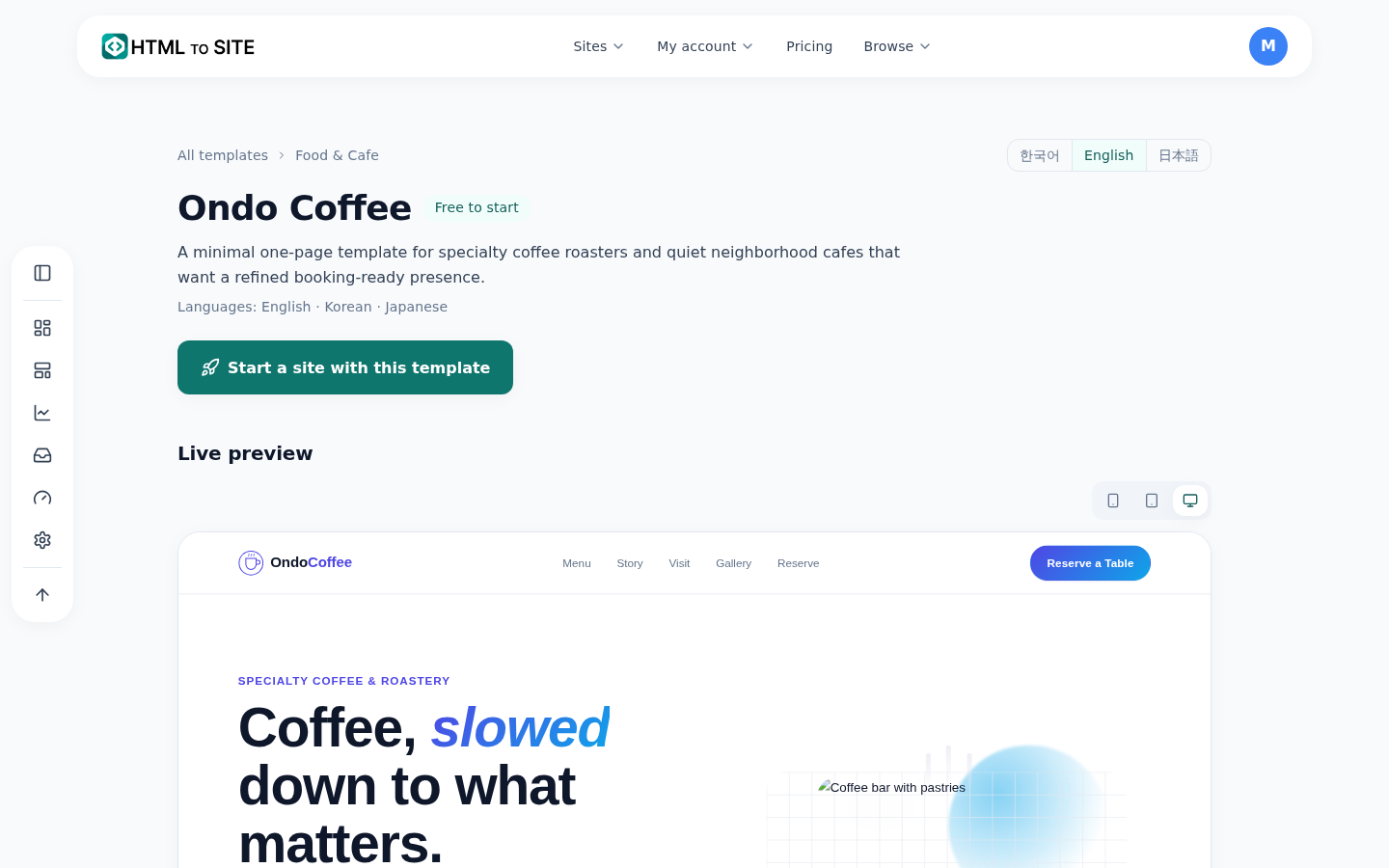
First check that your work looks big enough on the phone view. - 3
Choose and order your projects, then swap in your text and photos
Don't upload everything. Pick around six that look like the work you want to be hired for, put the one you most want to show first, and give each a title, your role, the year and a one-line result. In the editor, click text and photos on the page to change them. The free plan has 100MB of storage, so shrink large photos before you upload.
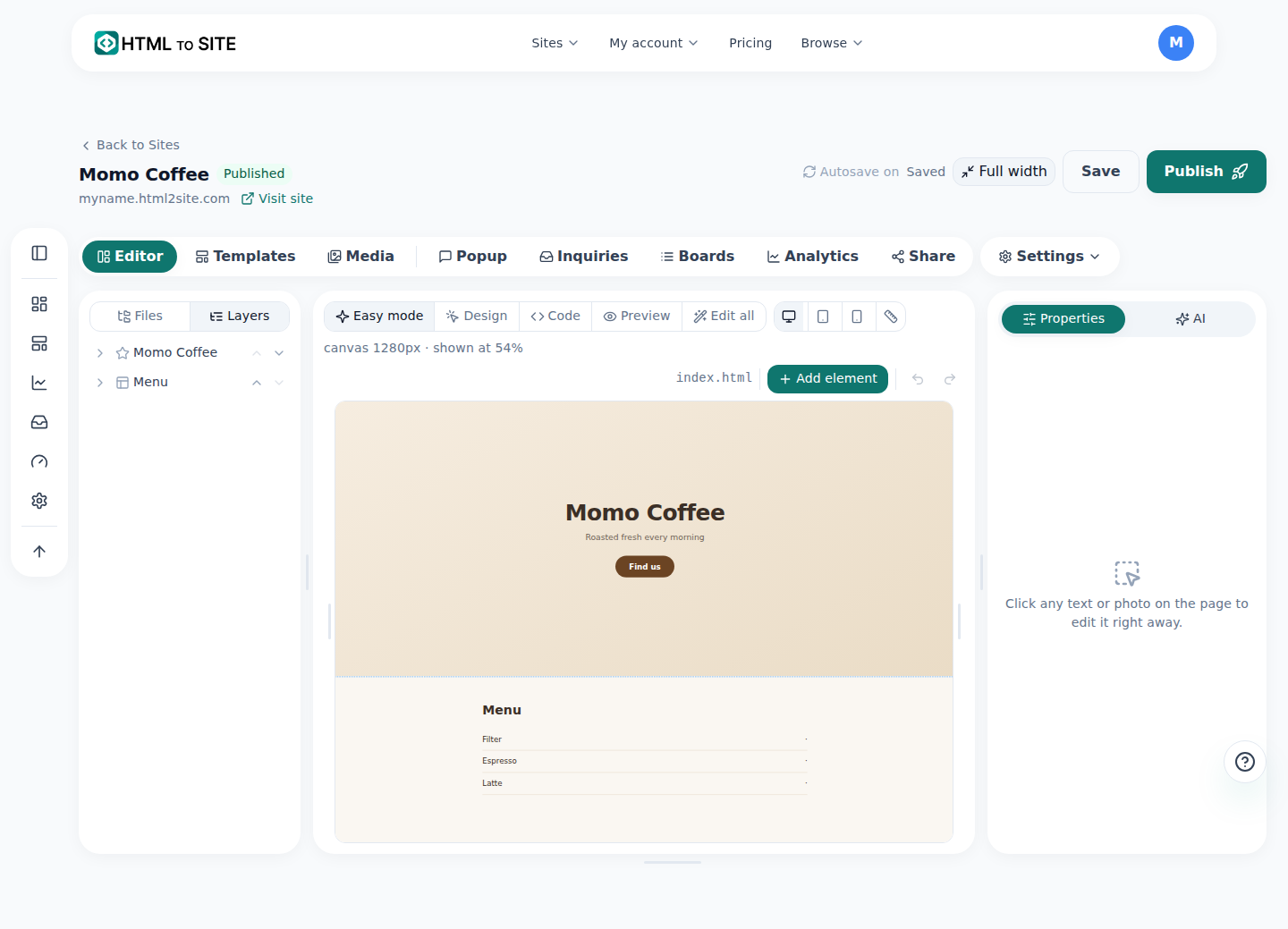
Click text or photos on the page and replace them with your own work. - 4
Copy ten portfolio requests into the AI tab
Swap what is in [brackets] for your own details, paste a request into the “AI” tab and click “Ask AI”. It shows “Proposed changes” first, and nothing enters your draft until you click “Apply”. Number 4 creates a new page, so switch “Edit target” to “Whole site” before you send it. The AI can't guess what your projects were — write that in the [Add text here] spots yourself.
AI requests · portfolio1. Change the first project card to [project name], and add a “role” line and a “year” line to every project card. Leave the text as [Add text here].2. Cut the intro down to three sentences: first what I do, then who or what field I've worked with, then whether I'm taking on work now.3. Duplicate one project card and add the copy at the very front. Leave its text as [Add text here].4. Create a new detail page that opens when you click a project: large image, the brief, what I did, the result. Leave the text as [Add text here].5. Turn the project list into a two-column grid of large images, and one column on a phone.6. Add a small status tag next to my name that says [Available for work].7. Under the intro, add a career list in date order. One line each: [year · project or company · what I did]. Leave the content empty.8. Change the contact section title to [Let's work together] and add one line above the form: “Tell me the kind of project and your timeline.”9. Write alt text for every image as a description of the work, including the project name and how it was made.10. Keep only [deep blue] for buttons and links, and make everything else black, grey or white so the work stands out. - 5
Finish contact, your address and sharing, then click “Publish”
Click “Publish” and the site opens at an address like myname.mklyr.com. Free sites carry a small “Made with” badge, and removing it and connecting your own domain start with Plus. After publishing, the five lines below are what make the portfolio start bringing in work. Keep it light by adding one new project and retiring the oldest one.
Portfolio finishing checklistBe reachable In the editor: “Inquiries” › “Add inquiry form”, and place it with “Inquiry form” in the “Add” tab. Messages arrive under “Inquiries” in “Inbox”Link preview “Settings” › “Site info” › “Link preview image” (1200×630 recommended) — this picture shows when the link is shared in messengers and socialsShare In “Share”: “Copy link”, “Download QR” and “Add to Instagram”. Put the link or QR on your CV and cardsOwn domain An address with your name: “Address & domain” › “Connect” (from Plus). Starting on the free address is fineKeep it current Add a new project with request 3 or by editing the page, then click “Publish” again — it updates at the same address
Frequently asked questions
How many projects should a portfolio have?
Around six is enough for a first version. Put the one closest to the work you want to be hired for first, and when you finish a new project, add one and retire one. A portfolio that shows you chose reads as more trustworthy than a long one.
How do photographers and illustrators upload large images?
The free plan has 100MB of storage. Upload copies resized to about 2000px on the long edge instead of originals and far more fits, and the pages open faster on phones. If you run out of room, you can move to a larger plan.
How do I put the portfolio link on my CV, cards and social profiles?
After publishing, use “Copy link” in “Share” for the address, and “Download QR” for a QR code on a printed CV or card. If you fill in the “Link preview image”, one picture of your work shows when the link is sent in a message.
Which template suits a developer or a writer?
Developers: the developer template under “Portfolio” or the web developer template under “Freelance”. Novelists and authors: the author template under “Profile & Links”. Read the line under each name and picture how your own work would fit that first screen.
Can I take my portfolio with me if I move elsewhere later?
Yes. Open the ⋯ menu on a site card in “My sites” and choose “Download” to get “Working copy (ZIP)” or “Published site (ZIP)”. That works on the free plan too.
Read next
- The template gallery: browse without logging in, edit, then publish How to use the template gallery (/templates) — from login-free browsing to draft, editing, and publishing (English)
- A small business website, free: pick a template, edit it by asking, publish How to build a small business website for free — pick a template, edit on screen or with AI, inquiry form, publish, own domain (English)
- Connect your own domain — two DNS records, then it's automatic How to connect a domain you own to a published site and get HTTPS issued automatically (English)
- Get your site found — by search engines and AI answers alike How to get a published site found by search engines and AI answers (AEO) — from site settings to structured data (English)
Trying it is faster than reading about it — create your site now, free.