

Free plan, foreverNo card to startClick to edit
Change your website yourself. No agency, no waiting.
Click any text or photo to change it, and take inquiries, bookings and quotes from one dashboard. The website studios, shops and local businesses run themselves — no agency needed.
You sign in only when you publish to your address
Go to my dashboard Harbor ClassesTeachersVisit
Heading Summer mat classes
Small groups · 8 people max Book a class Intro mat $25 / class
Reformer $40 / class
This is a demo — edits here aren't saved
What owners ask before they start
- What do I get for free?
- 5 sites with 1 inquiry form each, free with no time limit. Start without a card.
- Do I need to know code?
- Click any text or photo and change it. Every publish saves a version, so one click puts things back if you slip.
- Does every edit cost extra?
- Edits are free, as many as you like — change a price tonight and it's live tonight.
- Will my site show up on Google?
- Paste the verification code from Google Search Console or Bing Webmaster Tools and publish — that's it. You can also pin a Google Maps link to the quick menu.
- Can it take bookings and quotes?
- Booking calendars, quote calculators and inquiry forms are built in. Each new one hits your email right away and lands in one inbox.
- I already have a site. Can I move it — and leave later?
- Bring your HTML in as files, a ZIP or from GitHub and keep editing. You can download your site as a ZIP anytime — it stays yours.
Edit it yourself
Open the editor. Your site is the editor.
No settings maze. Click the thing you want to change and change it right there.
Swap photos
Click a photo, pick a new one
Click the photo you want to change, then upload, choose or search for a new one. Text works the same way, right where it is.
- Changes go live when you hit Publish
- Preview before you publish
Add sections
Reviews, prices, a form. Pick and drop in.
Hit + where you want it and choose. Colors and text stay editable after.
- FAQ · reviews · contact & location · gallery
- Four tones: plain, soft, dark, outlined
Mobile
Edit on desktop. Mobile follows.
Most customers arrive on a phone. Pages fit the screen, so there is nothing to build twice.
- Switch between desktop, tablet and phone widths while you edit
- Choose whether the quick menu shows on phones
Run it
Inquiries, bookings, quotes. One dashboard.
Open your site and every tool is in the menu on the left. No separate booking app, form tool or backup service.
Inbox
Ever found an inquiry a week too late?
MakeLayer emails you the moment it arrives, and keeps every inquiry in one inbox.
- Attachments arrive with the inquiry
- Your existing form works as is
- Pick which email gets alerts, per site
Bookings
Full time slots close themselves
Tap a day to see its bookings. Phone bookings go on the same calendar.
- By date, by time slot or limited quantity
- Change a price and the site updates without republishing
- Add phone bookings by hand
Quotes
An estimate the moment they choose
Only people who have seen a price get in touch. No more explaining the same thing on the phone.
- Enter unit prices, get a calculator
- Recalculates with every choice
- Visitors send the quote with their contact details
Boards & gallery
News as a list, photos as a grid
Post from your dashboard and it shows on your site, no republish needed. Class schedules and project photos work the same way.
- Title-list boards and photo-grid galleries
- Keep drafts private until they're ready
Popup & quick menu
Holiday notices with an end date
Set the dates and it comes down on its own. No “closed for the holidays” banner still up in March.
- Call, chat and directions buttons pinned to the side
- Show it every time, once per visit, or never again once closed
Analytics
Numbers that tell you what to fix next
Top pages, button clicks and broken links on one screen.
- Page views · form submissions · click-through rate
- Broken links collected under “To fix” (Plus and up)
- A weekly email with visits, clicks and inquiries, on or off per site
Versions
Broke something? Undo it in one click.
Saved on every publish, and once a day. No backups to remember.
- On publish · daily · saved by you (manual saves on Plus and up)
- Pick a point and hit Restore
Domains
Connect the domain you already own
Add two records at your registrar. HTTPS is automatic.
- Send visitors from the default address to yours
- Search results show your domain
- Plus and up
Start from a template for your business
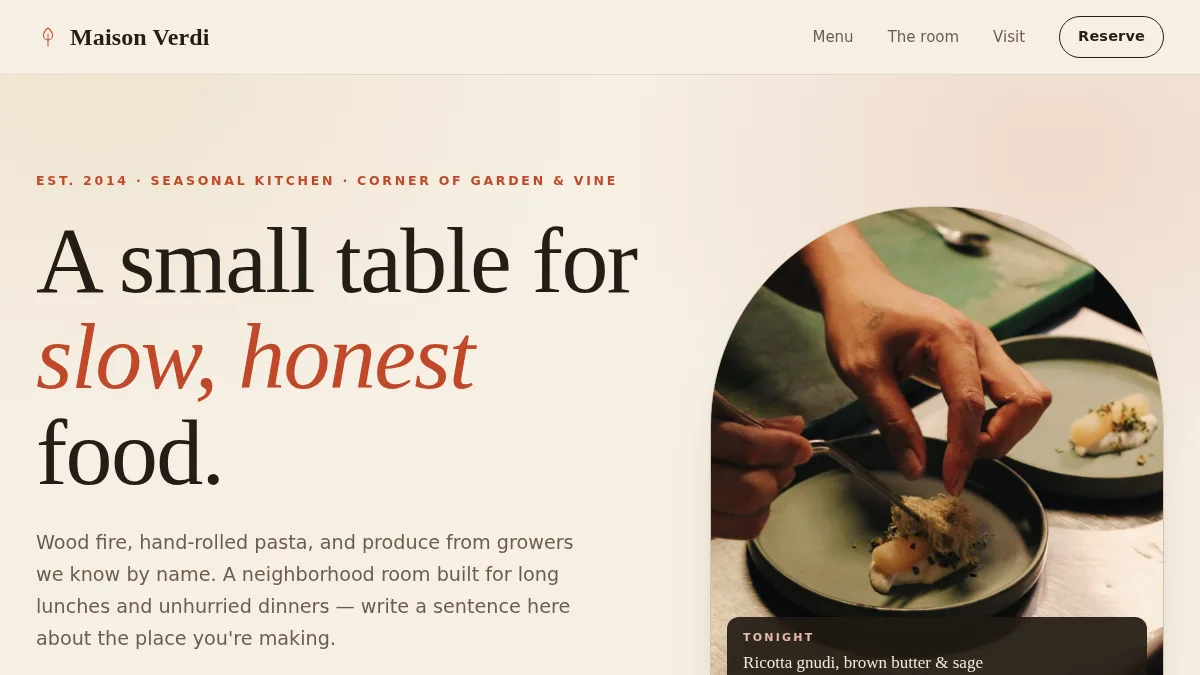
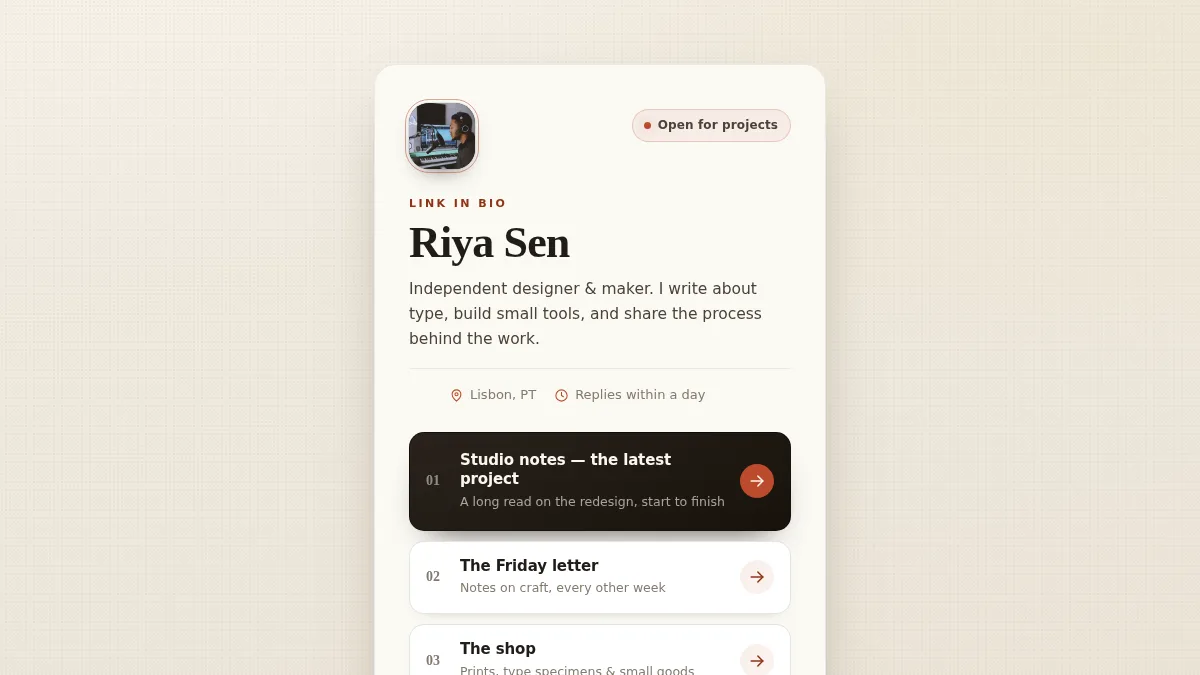
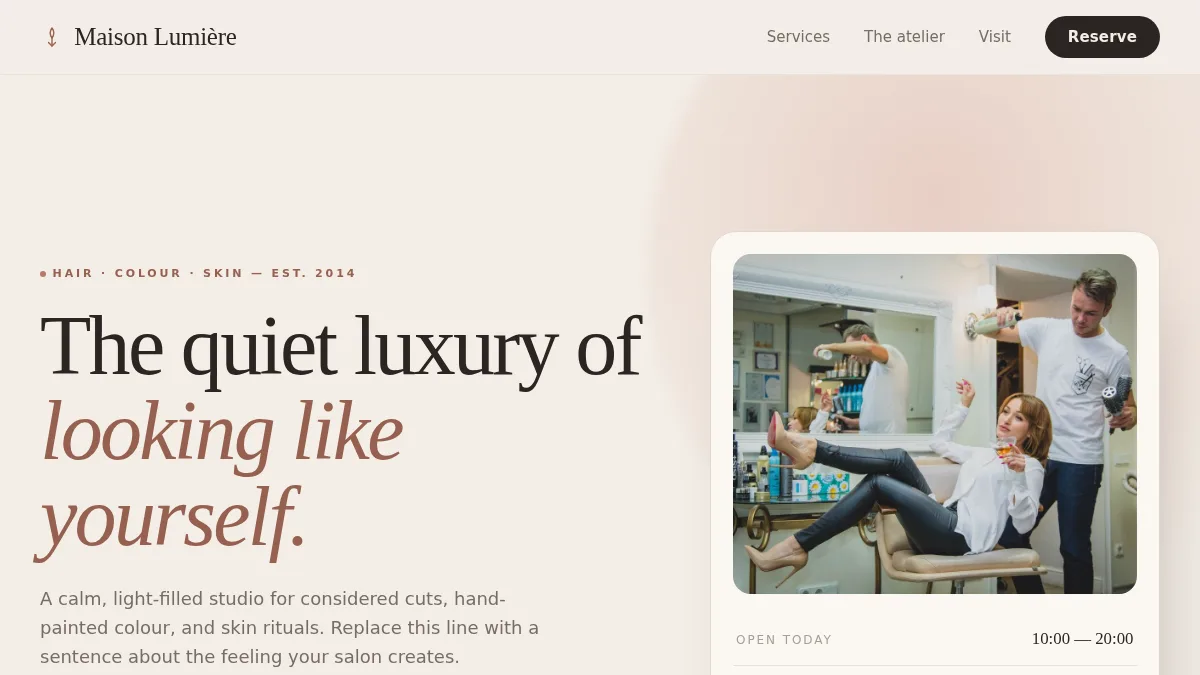
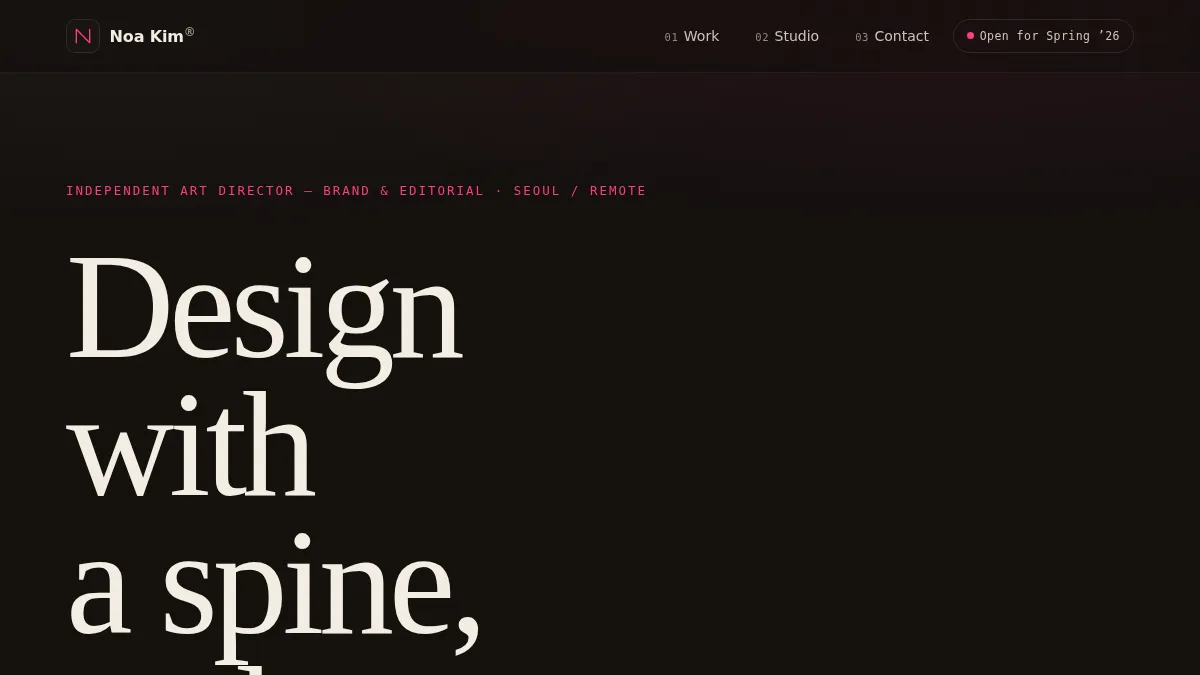
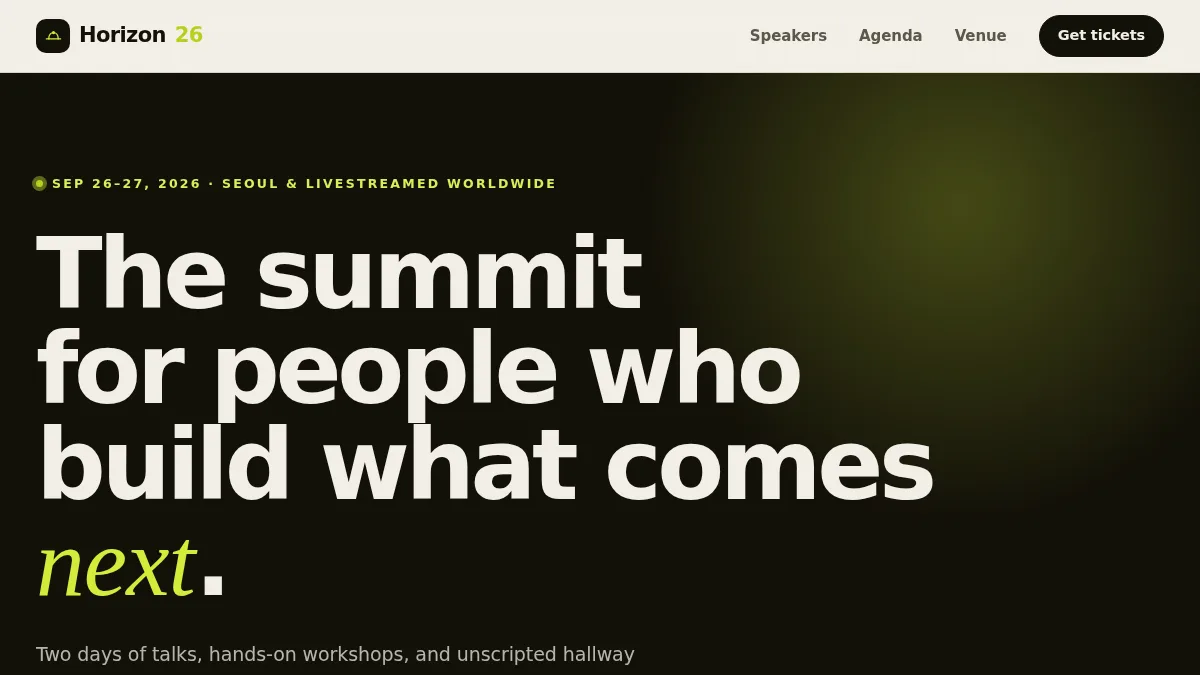
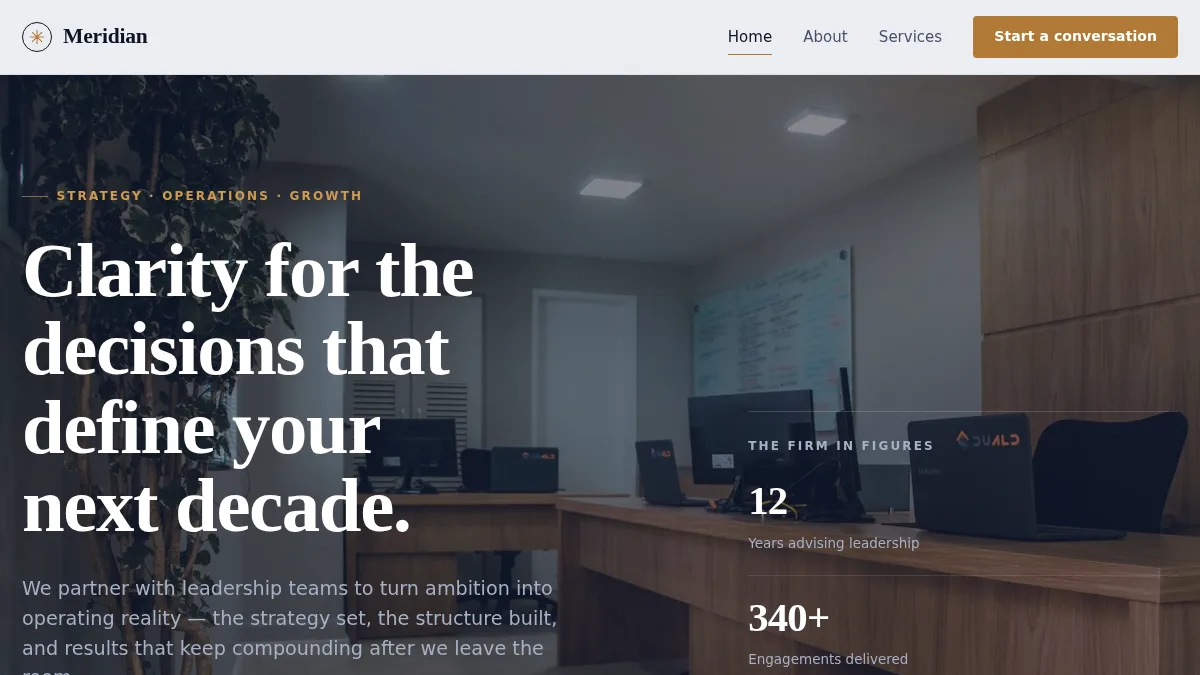
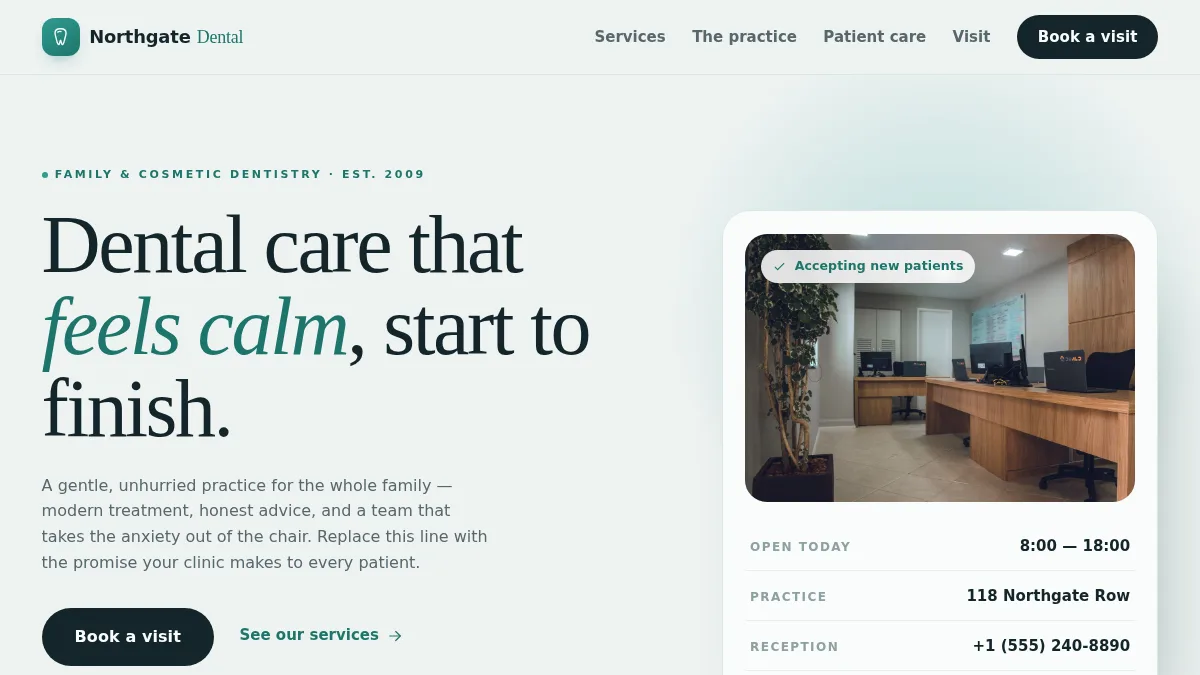
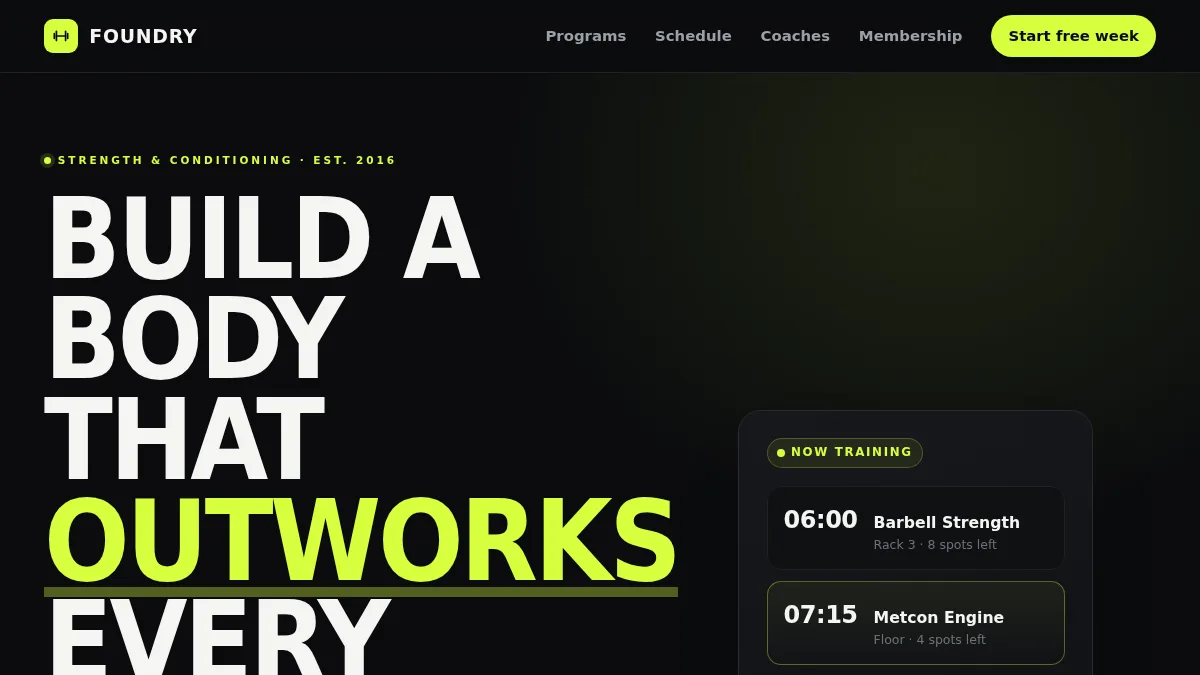
Choose from 210 templates, then change the words and photos.


What each edit costs you: $0
No quote to change a price, no ticket to update your hours. Change it tonight, live tonight.