
How far does the free plan go? What's free and what costs money
Last updated: 2026-11-19
Short version — the free plan has no card and no time limit: five sites, a free address like myname.mklyr.com, inquiry forms and AI editing. Connecting your own domain and “Remove the MakeLayer badge” start with Plus, and “Add analytics · ad code” and “Full analytics” start with Pro, so upgrade only when you need one of those.
At a glance
- Time needed
- About 3 min
- Plan required
- Free plan
- Coding knowledge
- None
- Where to do it
- Account
Step by step
- 1
Start with what the free plan already covers
The free plan has “No time limit”. Everything listed under “Included in every plan” — multi-page sites, boards & galleries, popup announcements, contact forms, the media library, image & font uploads and a secure connection (https) — works the same on free, within the limits in the table below. You can check these numbers again on the pricing screen at any time.
Free plan · limitsSites 5Free web address myname.mklyr.comStorage 100MBInquiry forms (per site) 2AI usage (mo.) 200Auto versions (once a day) 3Email alerts (mo.) 30Analytics depth Basic analytics - 2
Publish at your free address right away
Click Publish and the site goes live for free, no card, at an address like myname.mklyr.com. That address has https and no time limit. In exchange, free sites carry a small “Made with” badge in the bottom-right corner — not an ad banner over your content, just one mark saying where the site was made.
myname.mklyr.com LivePublish and it opens at this address right away. Free sites carry a small “Made with” badge in the bottom-right corner.
- 3
Your own domain and badge removal start with Plus
“Your own domains” and “Remove the MakeLayer badge” open up with Plus. MakeLayer doesn't sell domains — you buy one from a domain seller and connect it. Plus also adds “Password protection”, “Versions you save” and “Pages & trends”, and Pro adds “Add analytics · ad code” and “Full analytics”. The “Detailed plan comparison” on the pricing screen lays out every limit side by side.
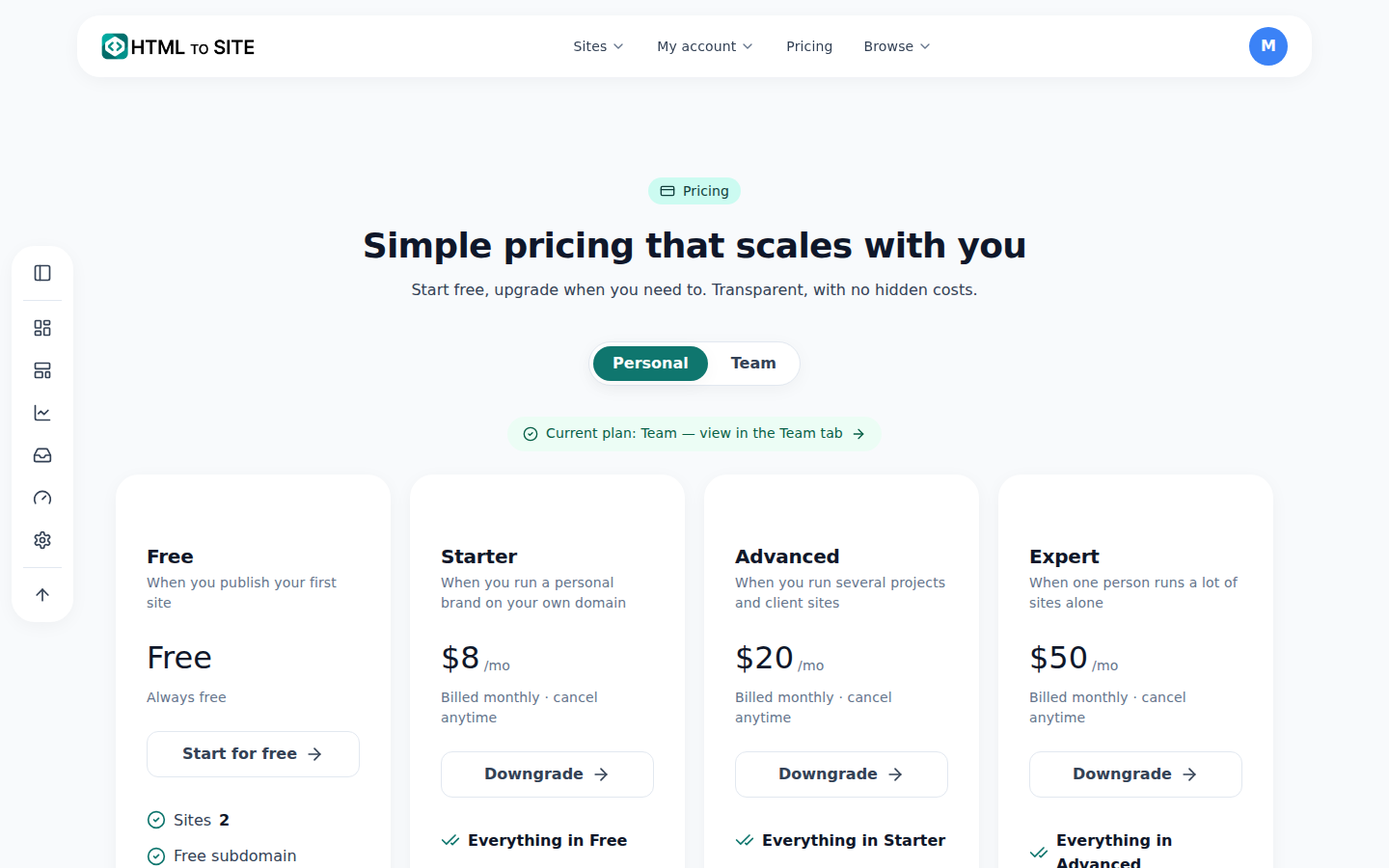
The pricing screen puts each plan's limits side by side. - 4
Upgrade when you need to — the sites you built stay as they are
When your business grows and you want your own domain, pick Plus on the pricing screen. Upgrading doesn't touch the sites and addresses you've already made; it just unlocks more. Billing is monthly and you can cancel anytime.
PricingYour plan FreeAfter upgrading Plus — your own domains · Remove the MakeLayer badgeYour sites and addresses UnchangedBilling Billed monthly · cancel anytime
Frequently asked questions
Can I use the free plan with no time limit?
Yes — the pricing screen says “No time limit”. You can build and publish sites without ever adding a card.
Do free sites show ads or a logo?
No ad banners. Free sites just carry a small “Made with” badge in the bottom-right corner, and “Remove the MakeLayer badge” starts with Plus.
Can I use my own domain for free?
The free plan opens at an mklyr.com address. Connecting your own domain starts with Plus, and you buy the domain itself from a domain seller.
How much AI editing do I get for free?
200 units of AI usage every month. Each request uses an amount that depends on its kind, so the balance drops as you use it. If you need more, upgrade your plan; “AI usage top-up” can only be bought on a paid plan.
Are my sites deleted if I downgrade or cancel?
No. Sites over the new plan's site limit become “Paused (over limit)” and visitors can't see them; they reopen with “Reopen” on the card once there's room, or when you upgrade again.
Read next
- Changing your plan or canceling — what happens, and when How to upgrade, downgrade, and cancel a subscription from the Plan page — upgrades are immediate, downgrades and cancellations wait for the next billing date (English)
- Connect your own domain — two DNS records, then it's automatic How to connect a domain you own to a published site and get HTTPS issued automatically (English)
- The template gallery: browse without logging in, edit, then publish How to use the template gallery (/templates) — from login-free browsing to draft, editing, and publishing (English)
- Check your usage — sites, storage, domains, and AI, all in one place How to check sites, storage, domains, and AI usage — split across all/personal/team scopes — in the Dashboard's Usage section (English)
Trying it is faster than reading about it — create your site now, free.